How to Send Bulk Email from Gmail for Free (Without Losing Your Mind)
I tried sending 100 emails by hand. It took an hour and I had to keep myself from throwing my laptop. Here's how to do it much easier.
 Ray Lee··3 min read
When I launched my first product, I spent a full hour sending 100 cold emails from my Gmail account. One at a time. Paste, personalize, send. Paste, personalize, send.
By email number 50 I was copying the wrong names into the wrong messages.
By 100 I realized I had no idea who actually opened anything.
If you're about to do the same thing - don't. Here's what I wish someone had told me before I burned that hour.
BCC Is Not Bulk Email
The first instinct is to open Gmail, paste 100 addresses into BCC, and hit send. It feels efficient.
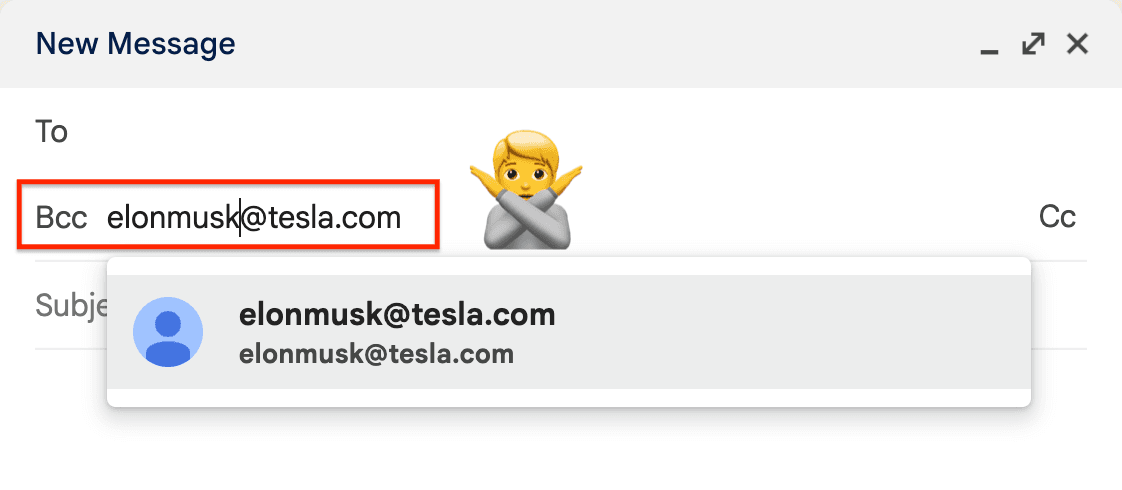
But here comes the caveat.
Everyone gets the exact same message - no first names, no personal hook, nothing. Spam filters flag identical messages to big BCC lists almost instantly.
Even if it works technically, the reply rate is awful. People can smell a mass blast in three seconds.
Mail Merge Is the Right Answer (But Wait for It)
Mail merge is the Mail merge is a technique that automatically personalizes emails by inserting individual recipient data — like names or addresses - into the template. Each recipient gets their own email, with their name and details filled in.
Gmail treats it like normal personal email. Deliverability is good.
The problem: setting it up yourself is a headache.
You will need at least
- a spreadsheet
- a template with
{{variable}}placeholders - a script or add-on that pulls one and stuffs it into the other
- and some way to throttle sends so Gmail doesn't lock you out
And even after all that, you still have no tracking. You have no idea who opened, who clicked, or who ignored you.
What You Actually Need
Strip it down. You need:
- Personalization - at minimum, first name in the subject or opening line.
- Open and click tracking - so you know which emails landed and which didn't.
- Rate limiting - so Gmail doesn't flag you as a spammer.
- No duplication - never send twice to the same address.
- Easy unsubscribe - one-click, tracked, required by law in most places.
Any tool that covers these five things will beat hand-sending by a mile.
When Gmail Stops Being Enough
Gmail is great for anything under 500 emails per day. Cold outreach, small newsletters, customer update blasts - all fine.
If you're sending tens of thousands per week, or running automated drip campaigns with conditional logic, a dedicated ESP(email service provider) like Resend or Postmark will serve you better. Different tool for a different job.
But most people don't need that. Most people need to send 200 emails to their waitlist and actually know who read it. Gmail with mail merge tool can do that.
Don't send 100 emails by hand. I did it so you don't have to, and the only thing I got out of it was wrist pain and a lesson.
Pick a decent mail merge tool (sendbulk.email is a good free starter), personalize the contents, and watch who actually engages. That last part is the whole point. Everything else is just plumbing.

Builder of sendbulk.email. Making email marketing simple and free.